


Trusted teacher
This teacher has a fast response time and rate, demonstrating a high quality of service to their students.

Since May 2023
Instructor since May 2023
Translated by Google
Computer control and learning Word,

From 20 $ /h

Welcome, in this lesson you will learn:
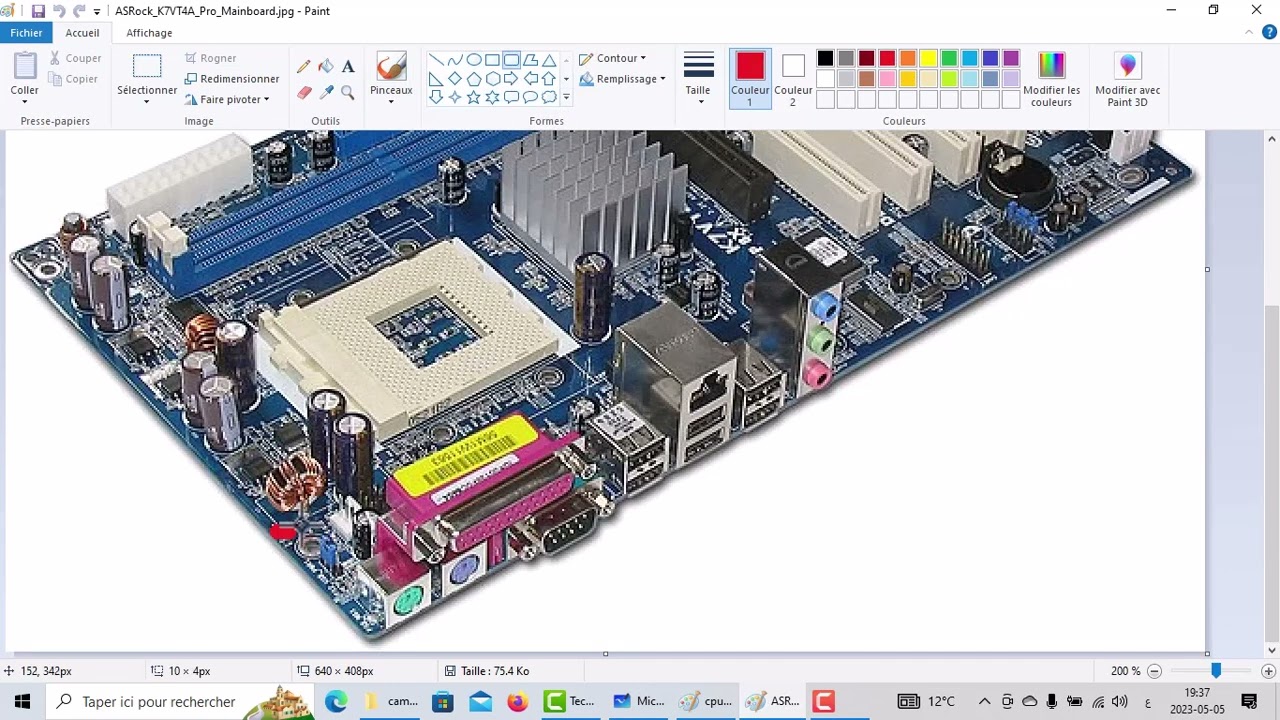
General principles of computers (about two sessions): Talking about hardware, software, and the Windows operating system and its basics.
General principles of the Word program (about 4 lessons):
Writing and formatting any text and dealing with tables, images, shapes, symbols and equations professionally,
Insert header and footer and page numbering, as well as modify margins, format and size of pages,
General principles of Excel (about 4 lessons).
Access to conditional functions in Excel.
General principles of Power Point (about 4 lessons).
Access to transition effects between slides.
Note: The number of classes is approximate only, and this depends on the level and speed of the learner in understanding and completing the applications.
General principles of computers (about two sessions): Talking about hardware, software, and the Windows operating system and its basics.
General principles of the Word program (about 4 lessons):
Writing and formatting any text and dealing with tables, images, shapes, symbols and equations professionally,
Insert header and footer and page numbering, as well as modify margins, format and size of pages,
General principles of Excel (about 4 lessons).
Access to conditional functions in Excel.
General principles of Power Point (about 4 lessons).
Access to transition effects between slides.
Note: The number of classes is approximate only, and this depends on the level and speed of the learner in understanding and completing the applications.
Extra information
Bring your computer please and have the three programs: Word, Excel and Power Point pre-installed with the Zoom program
Location

Online from Algeria
About Me
Peace be upon you
I am Professor Sarah from Algeria
I have 8 years of experience teaching in the preparatory and university levels of computer science
After taking your lessons, you can contact me on WhatsApp or email at any time and ask any questions related to the lessons offered.
You can request assistance on your files and how to complete them in any of the lessons offered
I am Professor Sarah from Algeria
I have 8 years of experience teaching in the preparatory and university levels of computer science
After taking your lessons, you can contact me on WhatsApp or email at any time and ask any questions related to the lessons offered.
You can request assistance on your files and how to complete them in any of the lessons offered
Education
Category for my lessons:
All undergraduate majors are relevant to any student
All majors in vocational training
All people, whatever their profession, the important thing is that there is a simple rule in using the computer
All undergraduate majors are relevant to any student
All majors in vocational training
All people, whatever their profession, the important thing is that there is a simple rule in using the computer
Experience / Qualifications
Teaching for a year in Computer Science at the University of Islamic Sciences
Teaching for one year of JAVA programming application in the College of Computer Science.
-Working in the dental restoration laboratory on CAD CAM machine software
Teaching computer science to middle school students for 8 years
Teaching for one year of JAVA programming application in the College of Computer Science.
-Working in the dental restoration laboratory on CAD CAM machine software
Teaching computer science to middle school students for 8 years
Age
Children (7-12 years old)
Teenagers (13-17 years old)
Adults (18-64 years old)
Seniors (65+ years old)
Student level
Beginner
Intermediate
Advanced
Duration
90 minutes
The class is taught in
Arabic
English
French

Availability of a typical week
(GMT -05:00)
New York

Online via webcam
Mon
Tue
Wed
Thu
Fri
Sat
Sun
00-04
04-08
08-12
12-16
16-20
20-24
Microsoft office word is a text writing program:
After taking the Word lessons, you will be able to fully and completely control this program and know all the functions that you can perform on it. You can also use this program in any administrative or educational function, whatever it is, where you can:
Writing and formatting any text and dealing with tables, images, shapes, symbols and equations professionally,
Insert header and footer and page numbering, as well as modify margins, format and size of pages,
Access to creating an automatic index for your search and a list of references automatically, with a click of a button.
Finally, you can learn how to use Microsoft Word's mail merge feature to create and print form letters using data from a Microsoft Excel worksheet.
And other functions of this program.
The approximate number of lessons is about 7 lessons up to 10 lessons.
After taking the Word lessons, you will be able to fully and completely control this program and know all the functions that you can perform on it. You can also use this program in any administrative or educational function, whatever it is, where you can:
Writing and formatting any text and dealing with tables, images, shapes, symbols and equations professionally,
Insert header and footer and page numbering, as well as modify margins, format and size of pages,
Access to creating an automatic index for your search and a list of references automatically, with a click of a button.
Finally, you can learn how to use Microsoft Word's mail merge feature to create and print form letters using data from a Microsoft Excel worksheet.
And other functions of this program.
The approximate number of lessons is about 7 lessons up to 10 lessons.
Similar classes



سارة's video

Contact سارة

1st lesson is backed
by our Good-fit Instructor Guarantee
by our Good-fit Instructor Guarantee
Similar classes
Good-fit Instructor Guarantee
Contact سارة